Watch YouTube Without The HUD
Remove distracting playback controls, overlays, end screens and in-video UI for a cleaner, distraction-free viewing experience.
The Difference Is Clear
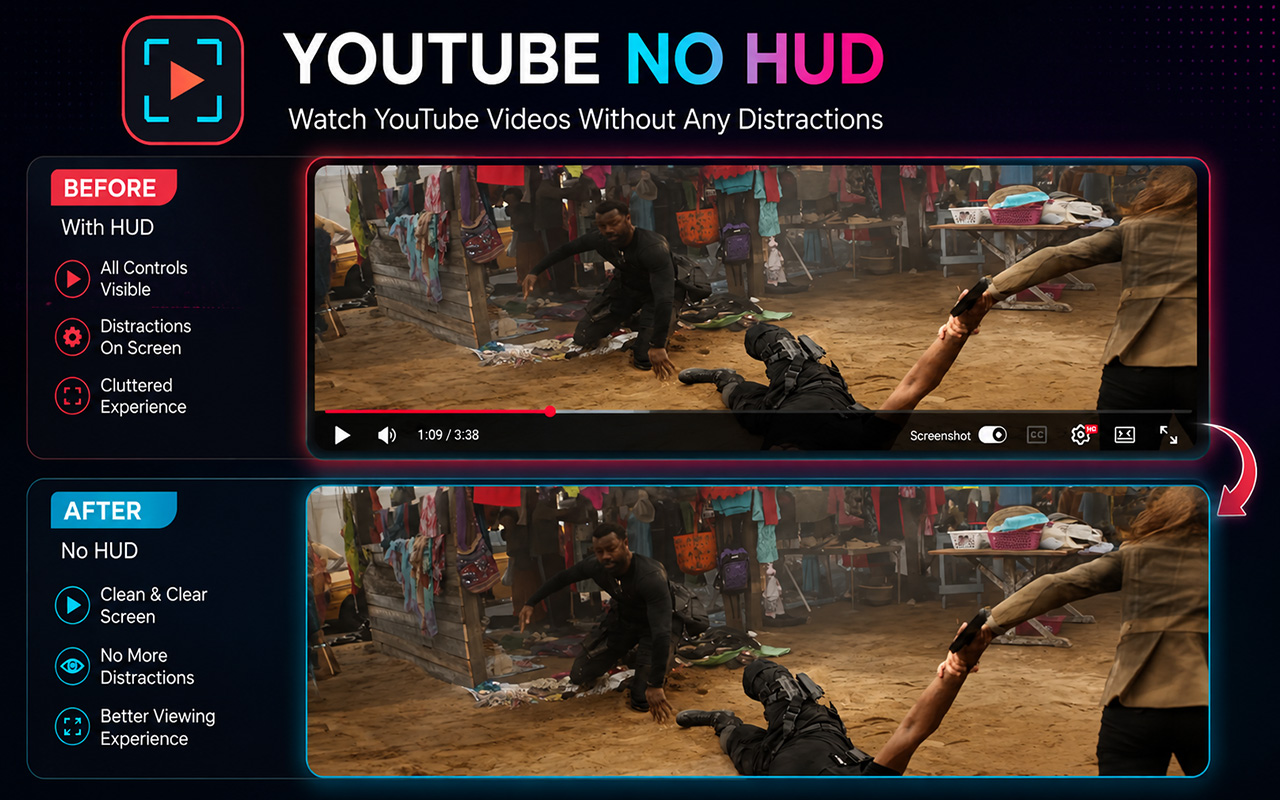
Youtube No HUD strips away distracting in-video controls and player overlays without touching the video pixels or webpage elements.
Without Youtube No HUD
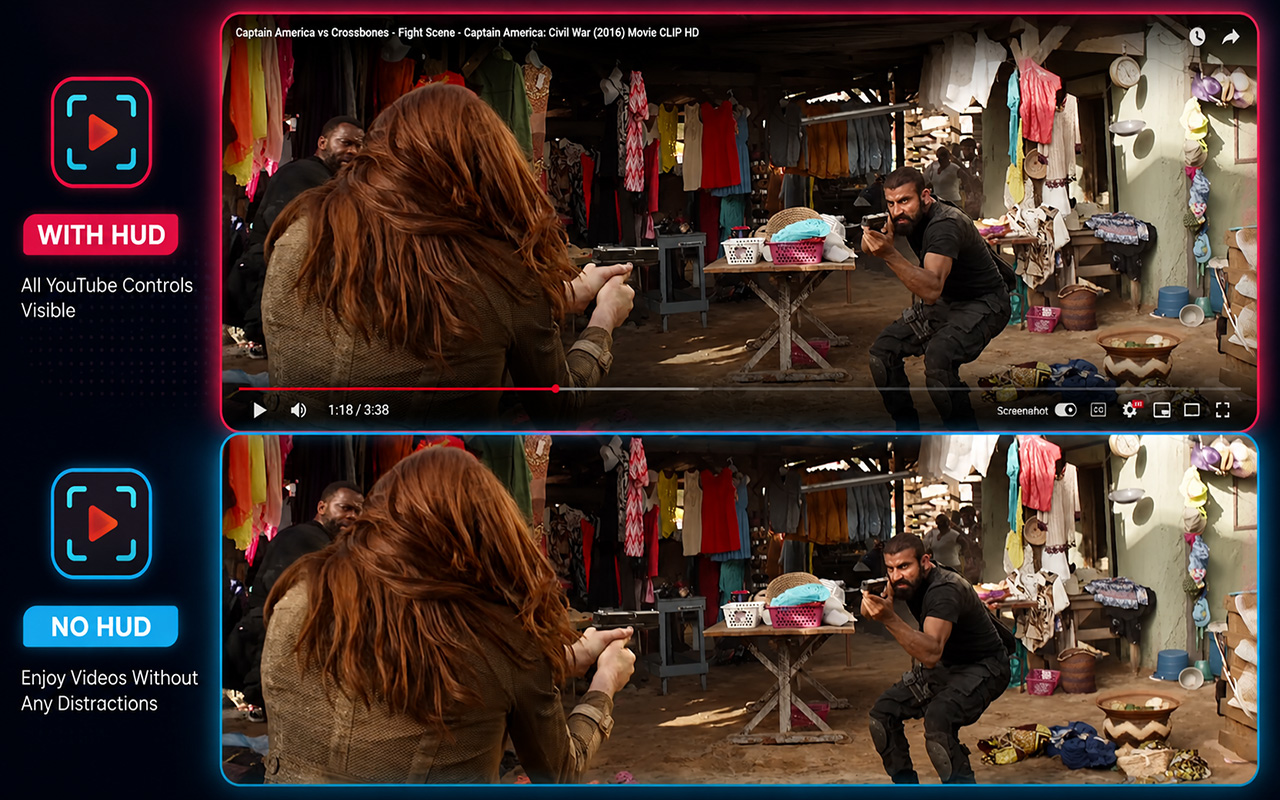
HUD VisiblePlayback controls, seek bar, time indicators, volume, CC, quality settings, and end screen overlays obscure the video.
With Youtube No HUD
HUD RemovedThe video player area is clean and uninterrupted. Video content remains 100% untouched while player UI is hidden.
Built Specifically For Distraction-Free YouTube
Designed from the ground up with high performance, flexibility, and respect for original video content.
Clean Video Experience
Hide distracting player controls, seek bars, tooltips, and overlays while watching YouTube videos.
Actual Video Stays Untouched
Zero pixel modification. The extension never crops, blurs, recolors, or alters the video stream itself.
Fullscreen Support
Enjoy a pure "VIDEO ONLY" experience while watching YouTube in full screen mode.
Theater Mode Support
Configure the extension independently for YouTube Theater Mode according to your preferences.
Custom Keyboard Shortcut
Toggle HUD instantly with default shortcut Shift + X or record your own custom shortcut key combinations.
Optional HUD Notification
Enable or disable the sleek 750ms "HUD ON" / "HUD OFF" overlay toast notification when toggling.
YouTube Focused
Engineered specifically for YouTube's architecture and dynamic Single Page Application (SPA) navigation.
Lightweight Performance
Built with Manifest V3 and zero heavy dependencies for instant response and ultra-low memory usage.
How Youtube No HUD Works
Get up and running in under a minute with three simple steps.
Install Extension
Add Youtube No HUD to Chrome from the Chrome Web Store with a single click.
Enable HUD Cleaning
Activate the extension using the extension popup menu or press Shift + X.
Watch Without Distractions
Sit back and enjoy YouTube videos completely free from playback UI overlay clutter.
Tailor Your Viewing Experience
Configure HUD cleaning independently for Normal, Theater, and Fullscreen modes.
Non-Theater Mode
Clean HUD elements during standard YouTube player viewing.
Theater Mode
Enable or disable HUD cleaning when YouTube Theater Mode is active.
Fullscreen Mode
Clean all playback controls and social overlays in Fullscreen mode.
Show Status Notification (Toast)
Display brief "HUD ON / OFF" indicator overlay when toggled.
What Youtube No HUD Modifies
We strictly target player HUD elements while keeping every other part of YouTube intact.
What Youtube No HUD Removes
- Playback & Seek Controls (Play/Pause, seek bar, time duration)
- Volume, Quality & Captions (CC) UI buttons
- Storyboard frame previews & gear settings popups
- Fullscreen Like, Dislike, Comment, Share & More buttons
- Endscreen video cards & pause video grids
- Channel watermarks, paid content badges & tooltips
- Dark control gradients overlaying bottom of video
What Stays 100% Untouched
- Actual video content & video pixels (0% pixel altering)
- YouTube header, search bar & site navigation
- Channel name, avatar & Subscribe button
- Video title, view count & description text
- Comments section & community interactions
- Recommended videos sidebar & playlist panels
See It In Action
Click any screenshot to inspect in full resolution.